Capture your invoices automatically and efficiently with our revolutionary solution for automated invoice processing. Forget time-consuming manual processes and increase productivity with RPA (Robotic Process Automation).
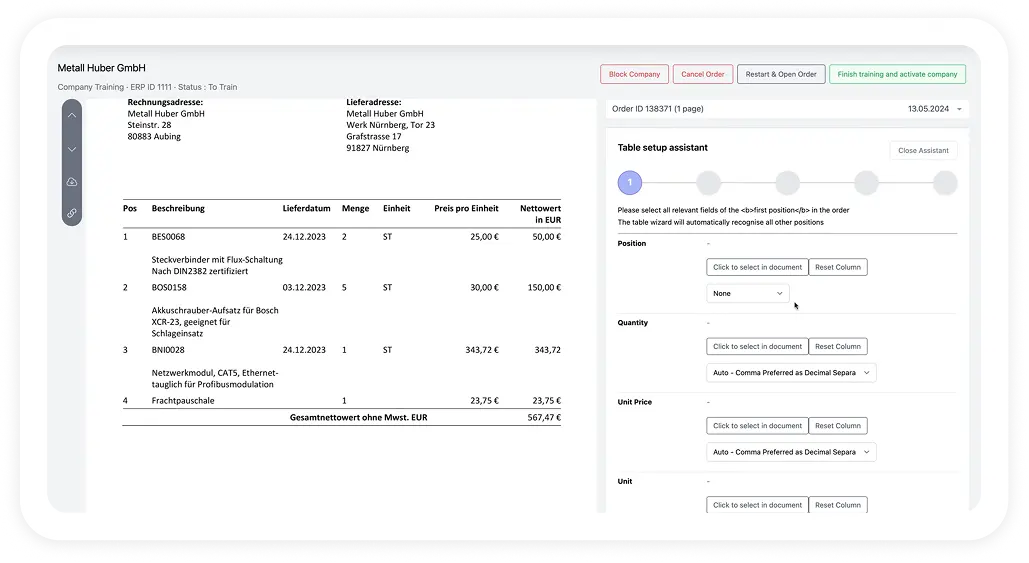
Seamless integration with your ERP

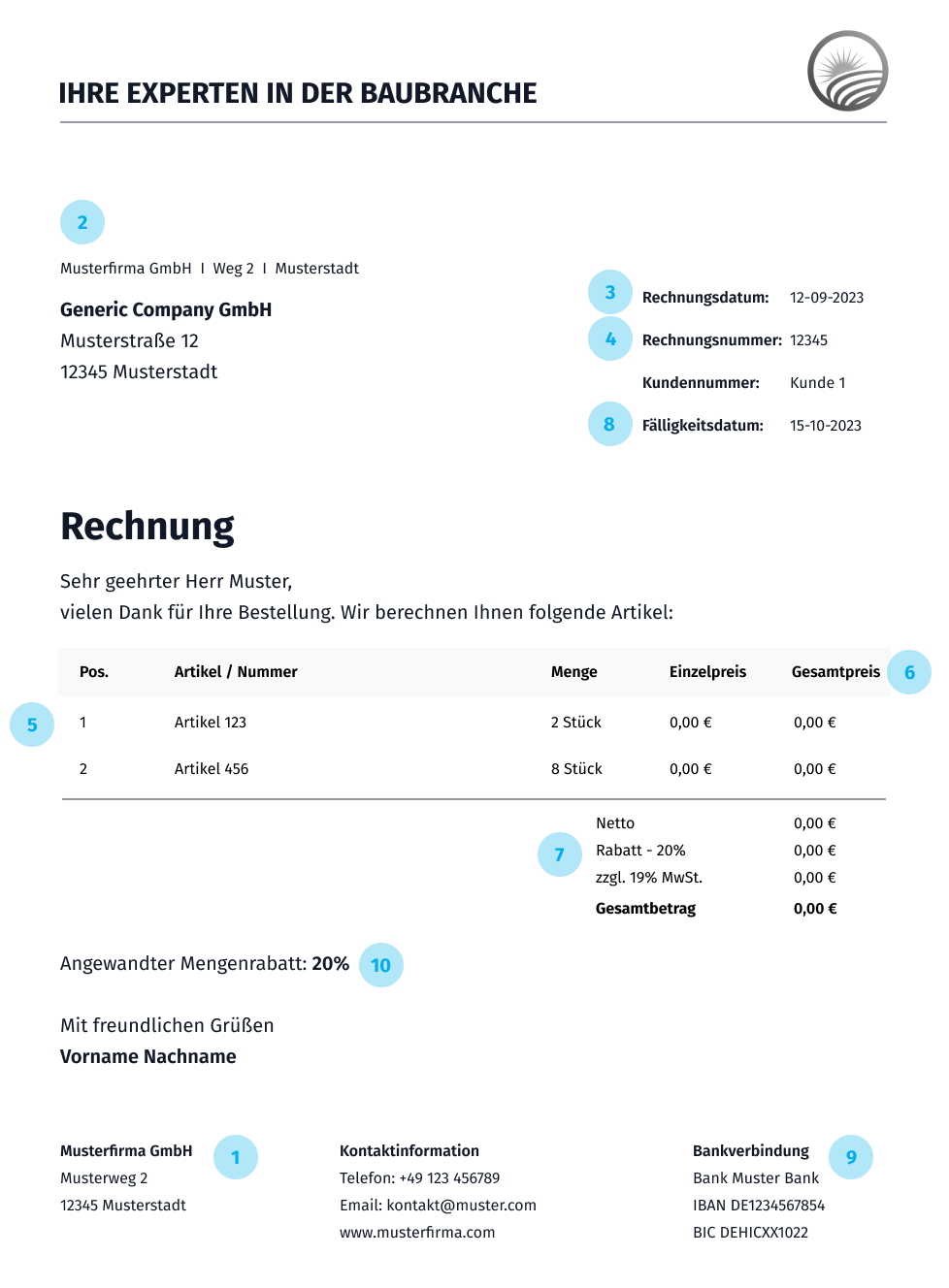
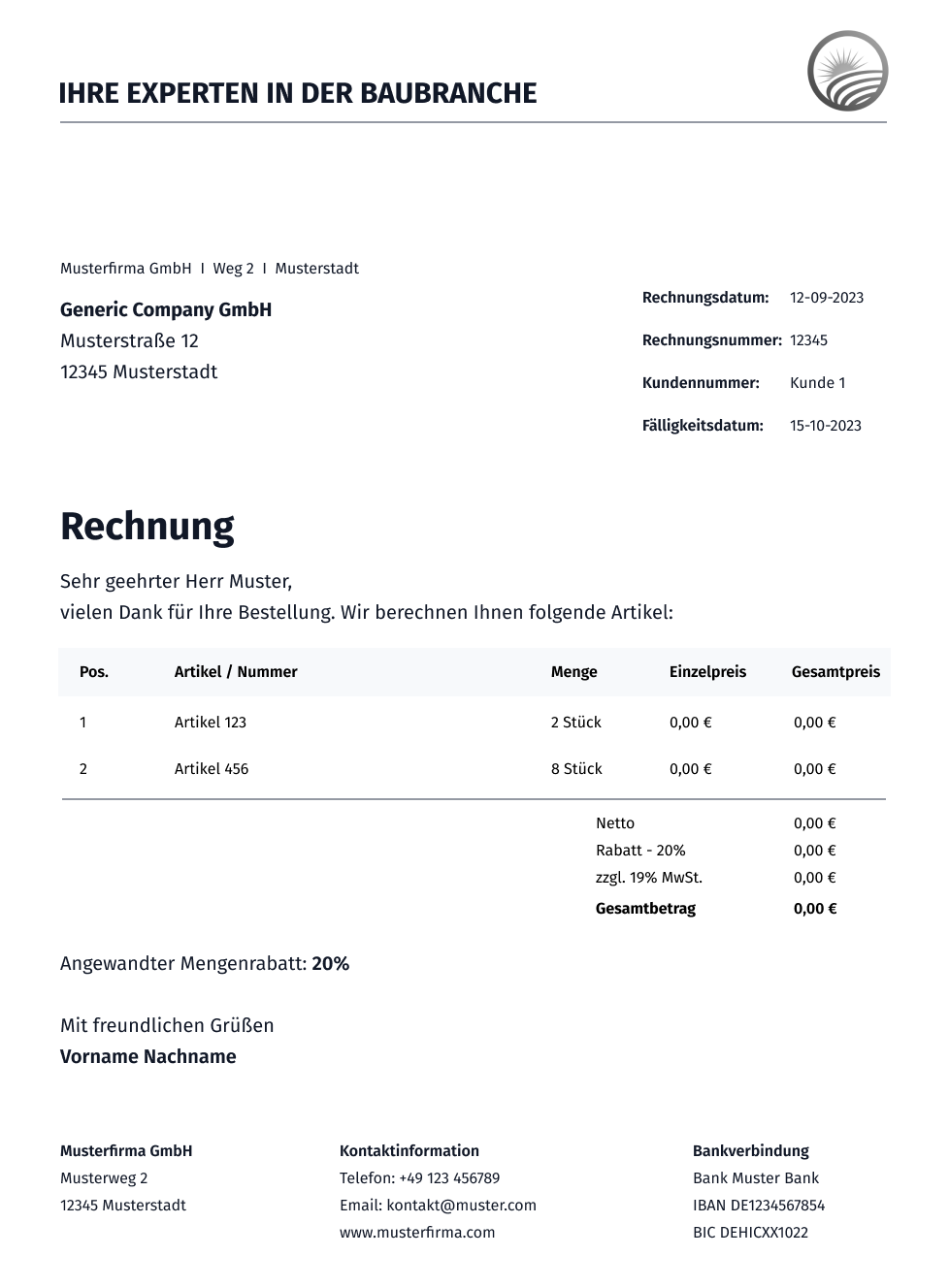
The invoice should include the name and address of the company that issues the invoice. This also includes contact details such as telephone number and email address
The invoice should also include the customer's information, including the name, address and contact details, if applicable
The date the invoice was issued should be clearly stated. This is important for bookkeeping and tracking payments
The name and address of the company or person receiving the goods
A detailed description of the services provided or the products sold should be included in the invoice. This usually includes the quantity, unit price, and total amount for each position+
For each item on the invoice, the unit price and the total amount should be clearly stated. The total amount should reflect the sum of all items on the invoice
If applicable, the invoice should indicate the tax rates applied and the total amount of taxes. This may vary by country and type of benefit
The invoice should include clear payment terms, such as the payment period, accepted payment methods, and account details for transfers
If necessary, the invoice should include the company's bank details so that the customer can make payments
Occasionally, an invoice may also include special notes or additional information, such as discounts, late payment surcharges or specific instructions for the customer

Robodocxs optimizes your document processing and minimizes manual effort.
Through automation, robodocxs lowers process costs and minimizes error costs, which sustainably reduces the burden on your budget.
AI-powered recognition ensures accurate data collection and eliminates human errors, increasing data quality.
No more manually typing documents
Lightning-fast document processing
Easy integration into your system landscape
All important information at a glance — our most frequently asked questions and answers.
Why should you digitize incoming order data?
Even today, order data is often manually typed and fed into ERP systems. This is an error-prone and expensive process and should therefore be digitized.
Who was robodocxs developed for?
robodocxs supports all functions of the sales department and makes work much easier here. Instead of focusing on manually entering orders, you can focus your employees on the most important thing: your customers!
How do I know if robodocxs works for my company?
We offer you a free demo. Here you can test robodocxs with your own documents and then decide on the next steps.
What pricing models does robodocxs offer?
Basically, we offer two pricing models: robodocxs Basic, which allows you to operate the software completely autonomously, and robodocxs Enterprise, where you fully benefit from our solution.
How does robodocxs receive the order data to be processed?
There are various ways to send order data to robodocxs. This can be done, for example, via an email address, document upload or via a feed.
Can I connect robodocxs to my ERP?
Of course, you can connect robodocxs with all standard ERP systems on the market (e.g. SAP).
Does robodocxs have an API?
robodocxs was developed using the API-first approach. This means that all relevant functions can also be accessed via our API.
Does robodocxs archive the processed orders?
Yes, robodocxs archives all incoming order data so that you can access the original documents at any time.