Your sales reps' time is valuable — so why not make the quotation process more efficient? With robodocxs, you can relieve your sales team by using artificial intelligence and automated processes.
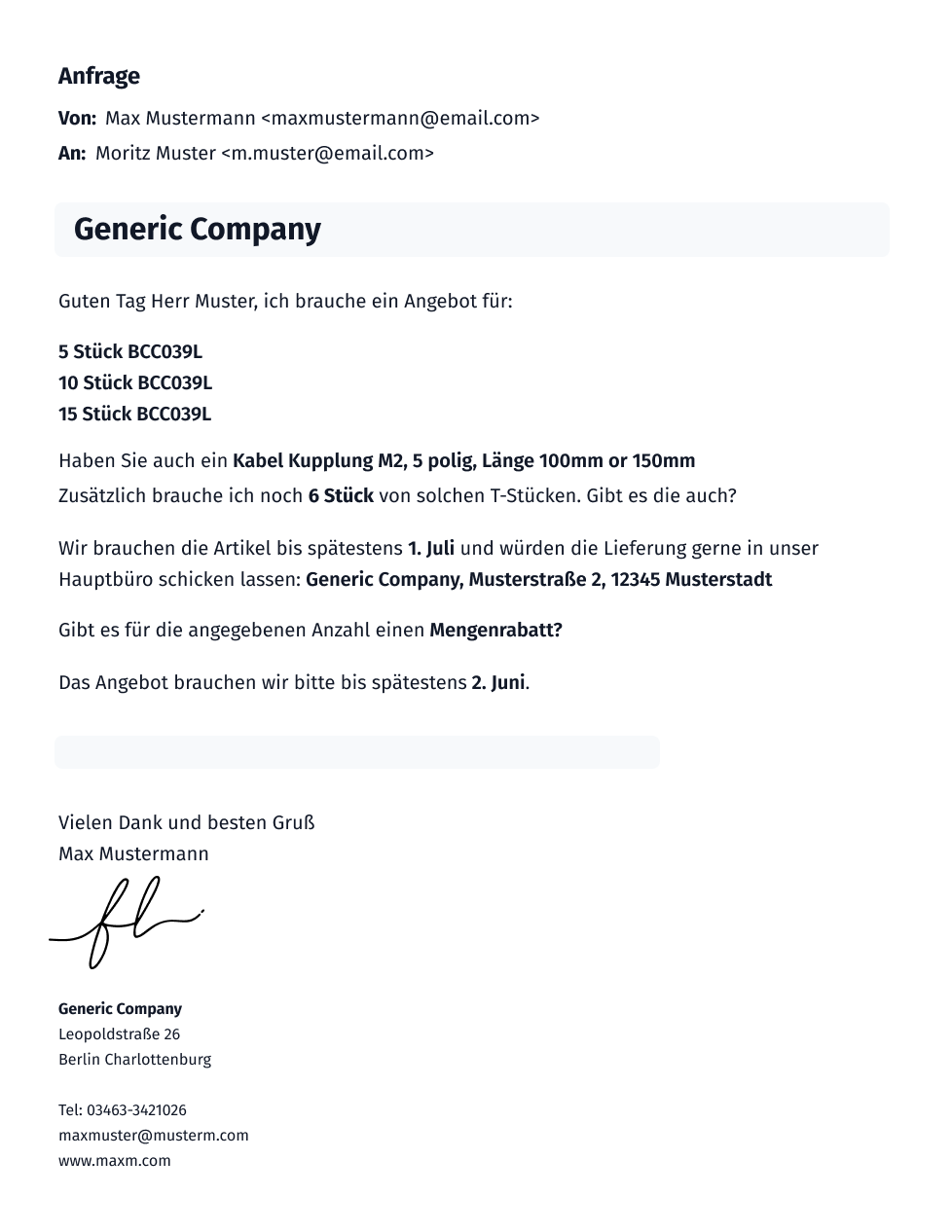
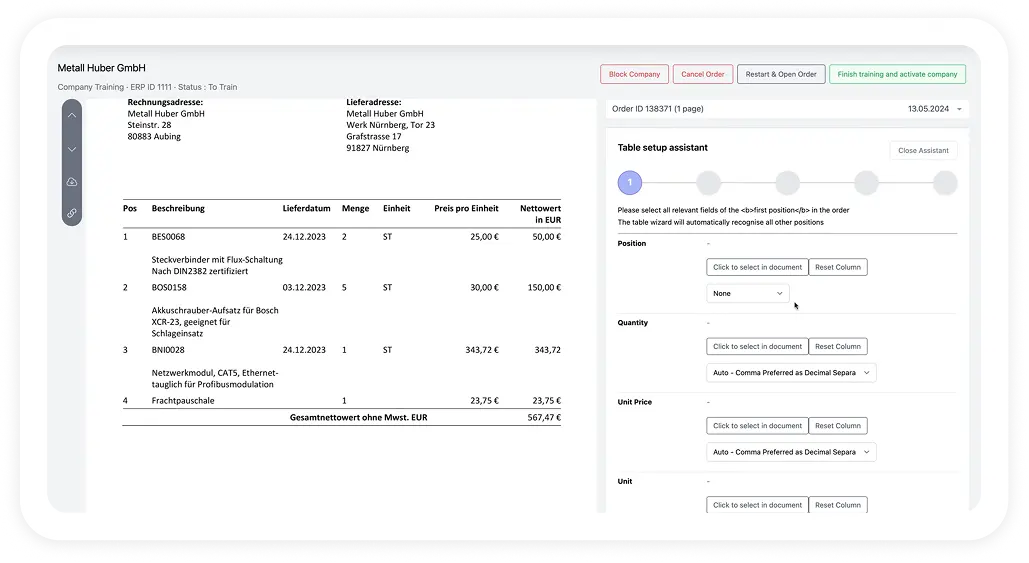
Incoming offer requests can easily be sent to robodocxs via email, data interface or document upload. The system collects and structures the data, forwards it to your ERP and automatically creates a suitable quote - with the desired products and the individual conditions of your customer.
Preparing quotes has never been so easy!
Seamless integration with your ERP

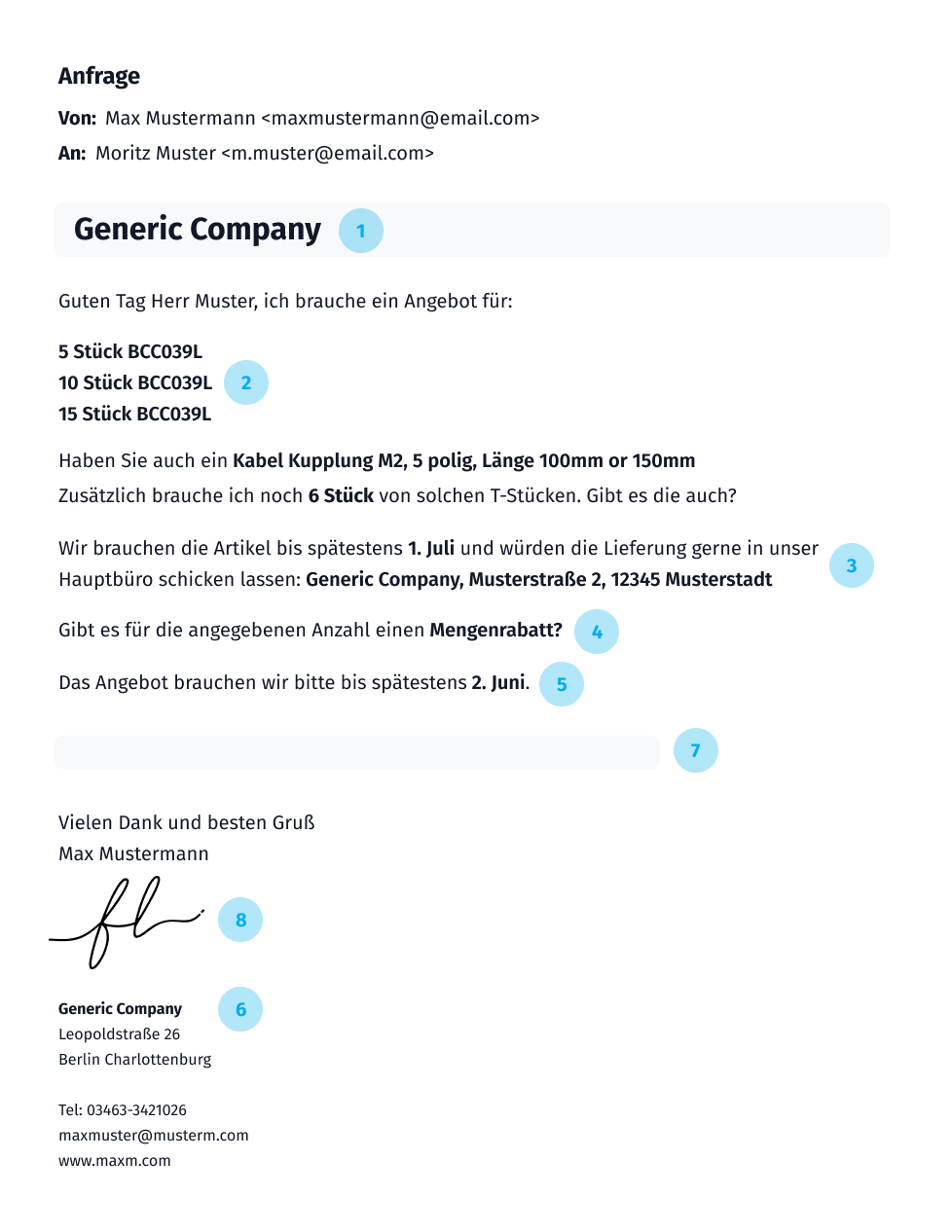
The header includes general information such as the name and contact details of the company making the request for quotation, as well as the date of the request and a unique quotation request number.
This describes in detail which products or services the company needs. This may include a list of specific items, desired quantities, technical requirements, quality standards, or other special requirements.
Information about the desired delivery terms is recorded. This often includes details of delivery time, shipping method, storage location, and special delivery instructions.
The desired payment terms for the offer are specified here. This may include, for example, the desired payment method, payment terms and, if applicable, discounts or discounts.
The date by which tenders must be submitted is recorded here. This enables potential providers to prepare and submit their offers on time.
The contact details of the contact person for inquiries and the preferred means of communication are listed here
(e.g. email, phone number) provided.
Depending on the type of quotation request, further specific requirements or information may be included. These can be, for example, certifications, references or other evidence.
The request for quotation document may contain space for signatures or confirmations. In addition, specialist contacts can often be found here for inquiries.

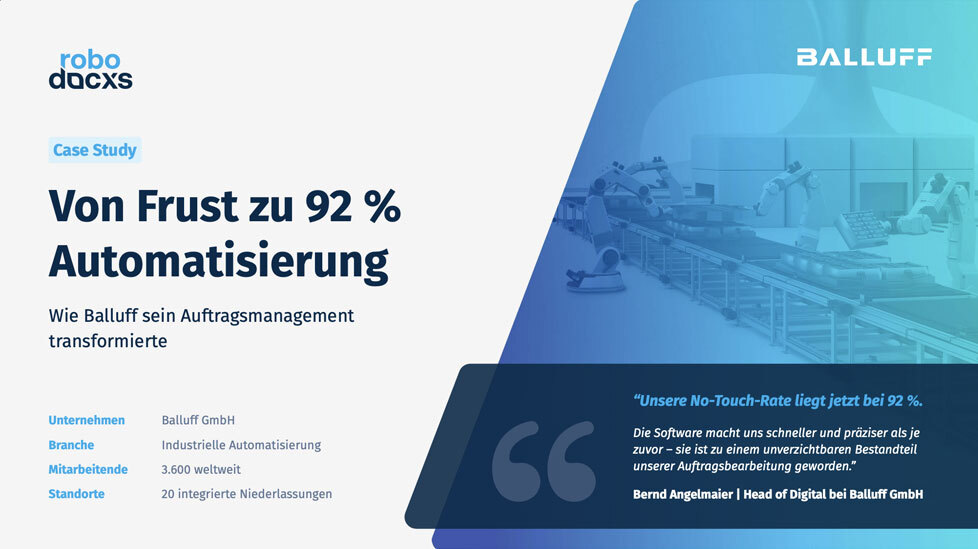
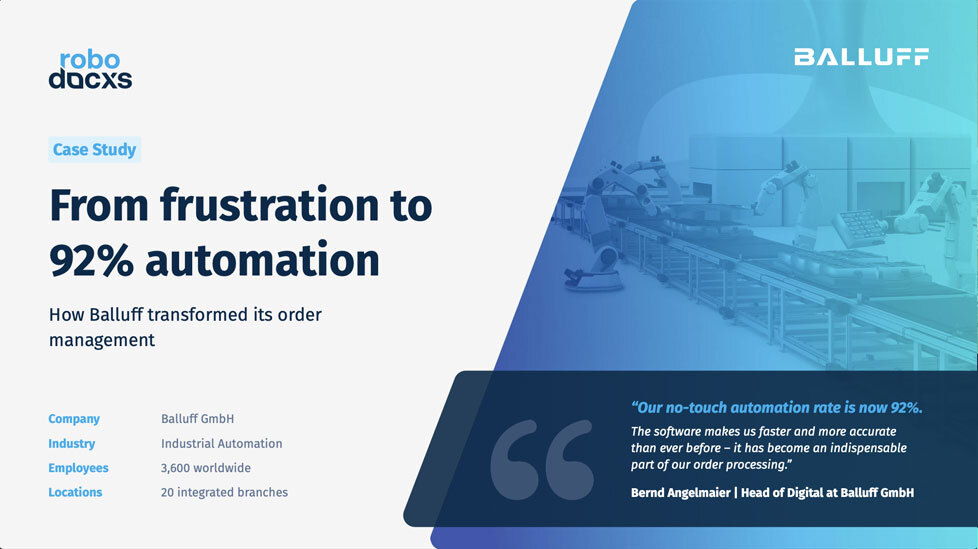
Robodocxs optimizes your document processing and minimizes manual effort.
Through automation, robodocxs lowers process costs and minimizes error costs, which sustainably reduces the burden on your budget.
AI-powered recognition ensures accurate data collection and eliminates human errors, increasing data quality.
No more manually typing documents
Lightning-fast document processing
Easy integration into your system landscape
All important information at a glance — our most frequently asked questions and answers.
Why should you digitize incoming order data?
Even today, order data is often manually typed and fed into ERP systems. This is an error-prone and expensive process and should therefore be digitized.
Who was robodocxs developed for?
robodocxs supports all functions of the sales department and makes work much easier here. Instead of focusing on manually entering orders, you can focus your employees on the most important thing: your customers!
How do I know if robodocxs works for my company?
We offer you a free demo. Here you can test robodocxs with your own documents and then decide on the next steps.
What pricing models does robodocxs offer?
Basically, we offer two pricing models: robodocxs Basic, which allows you to operate the software completely autonomously, and robodocxs Enterprise, where you fully benefit from our solution.
How does robodocxs receive the order data to be processed?
There are various ways to send order data to robodocxs. This can be done, for example, via an email address, document upload or via a feed.
Can I connect robodocxs to my ERP?
Of course, you can connect robodocxs with all standard ERP systems on the market (e.g. SAP).
Does robodocxs have an API?
robodocxs was developed using the API-first approach. This means that all relevant functions can also be accessed via our API.
Does robodocxs archive the processed orders?
Yes, robodocxs archives all incoming order data so that you can access the original documents at any time.