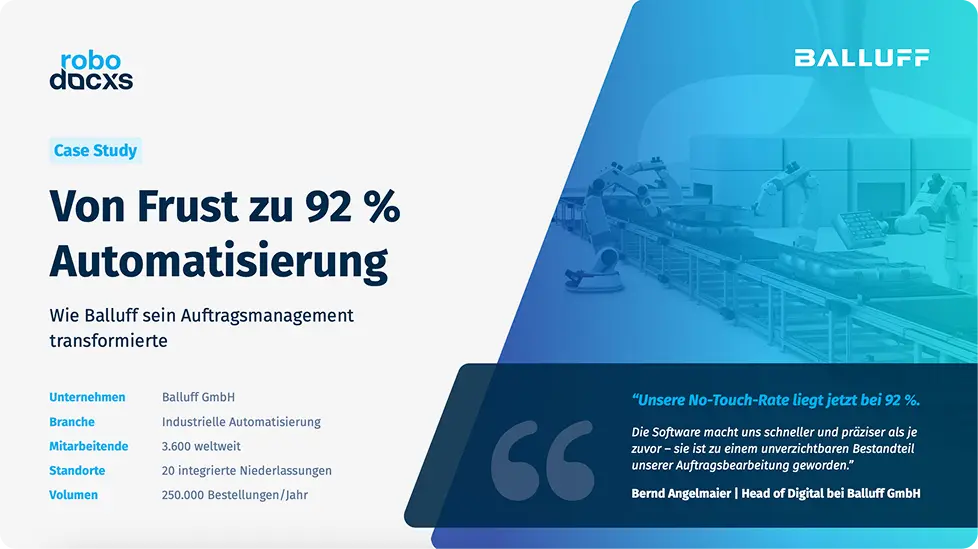
With robodocxs, you make manual document entry superfluous in your company. robodocxs extracts, structures and organizes all common document types in detail and in an audit-proof manner. This gives you robodocxs a better overview and more time for the important things. And best of all: The robodocxs cloud works without an expensive software setup and can be seamlessly integrated into your existing ERP system.
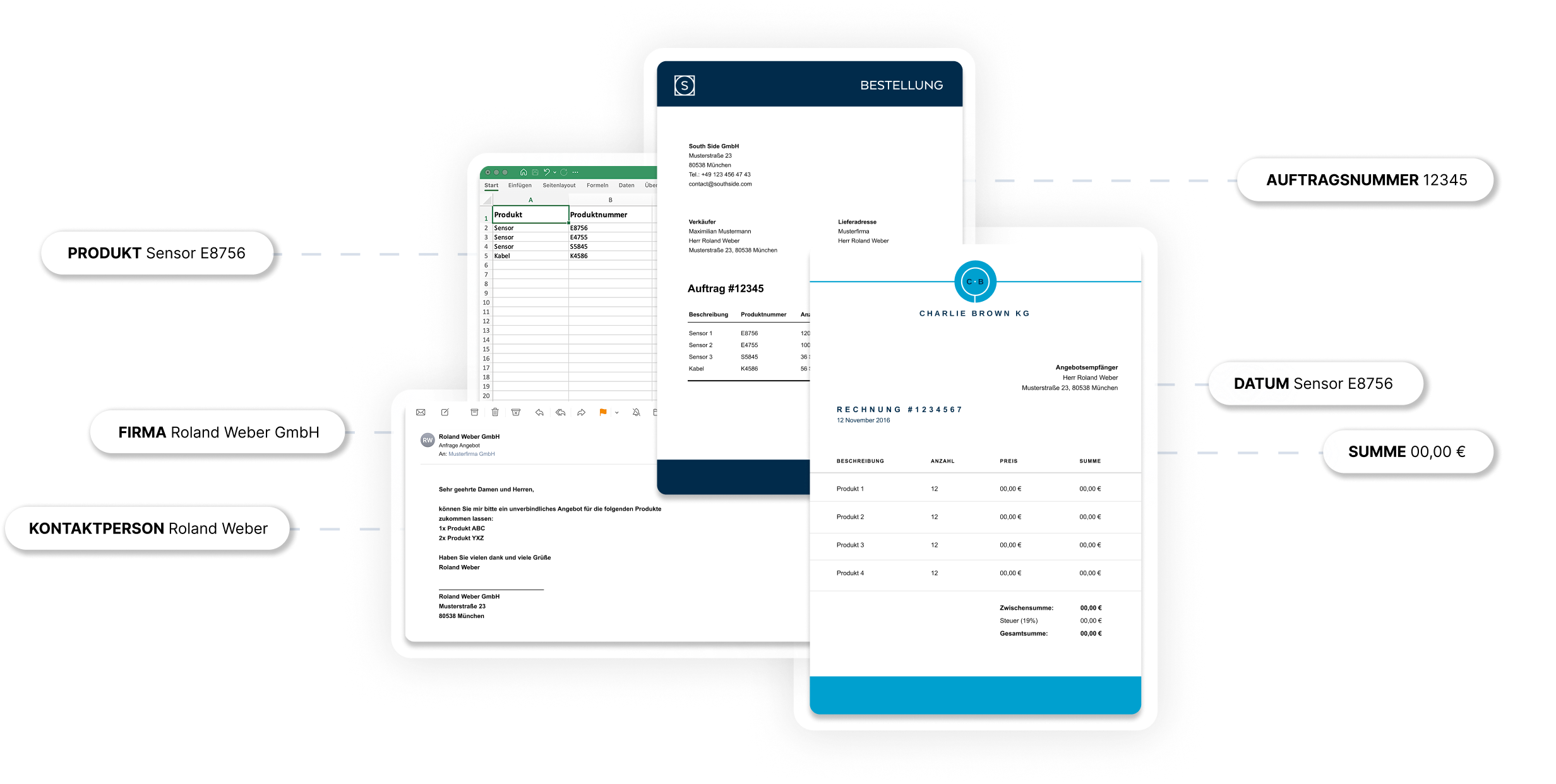
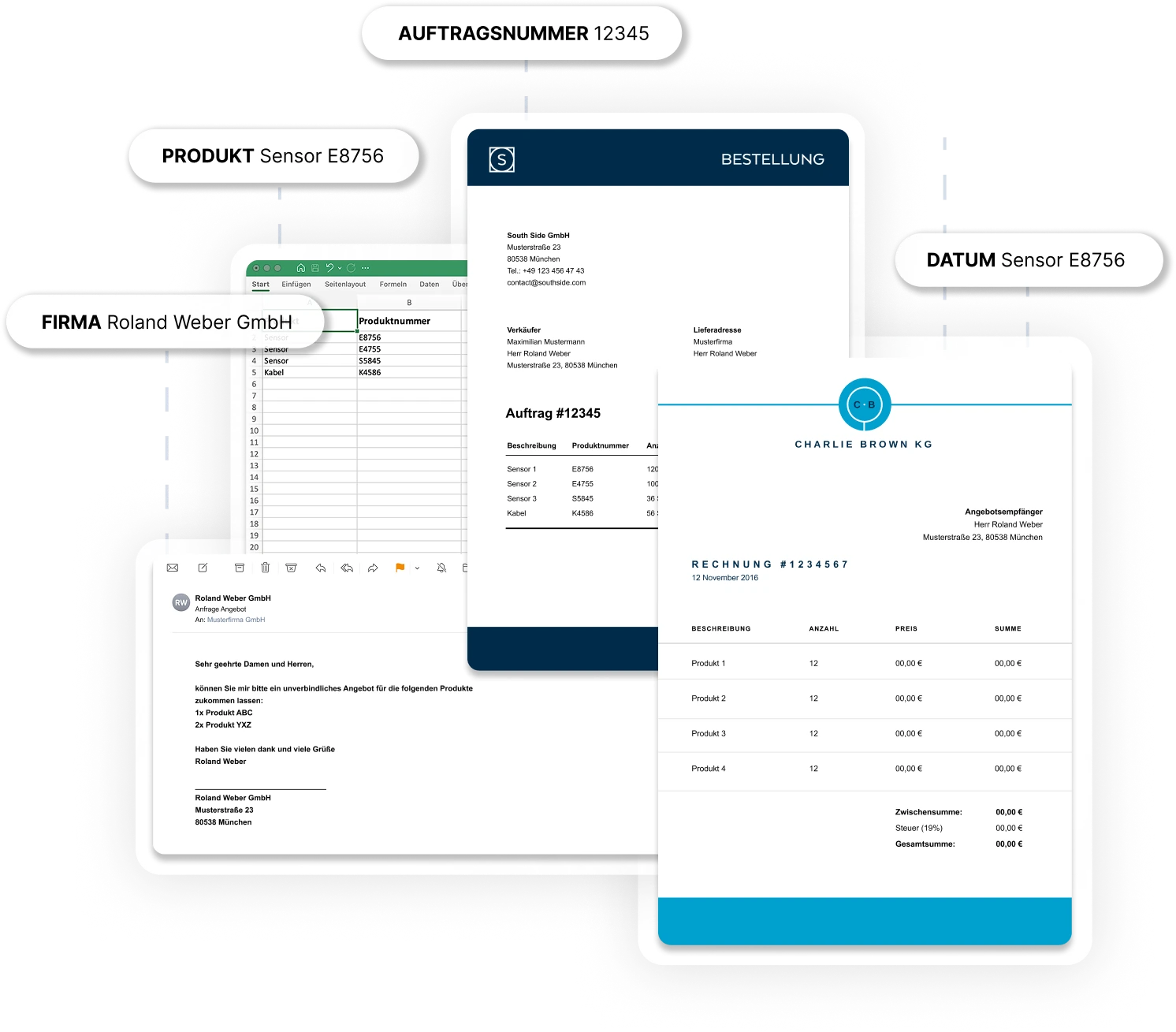
The robodocxs Inbound Manager allows you to easily and efficiently select incoming and processed data. In this way, you can easily separate different types of documents (e.g. orders, invoices or requests for quotations) and assign the correct further processing steps to them. After a one-time assignment, the inbound manager will automatically assign the correct further processing to all incoming data in the future. The allocation is based on a no-code and is simple and intuitive.
Our versatile robodocxs API is the perfect interface for your existing system landscape and enables seamless integration of robodocxs. Using the API, for example, existing data records (such as customer number, address data, order numbers, etc.) can be automatically compared or enriched with the data records recognized by robodocxs. This gives you the option of fully automated further data processing in your advanced systems (e.g. ERP system such as SAP)
The robodocxs Studio presents the results of the robodocxs deep learning extractor for them in an intuitive and appealing visual form. This allows them to quickly and clearly understand the results of the data extraction and, if necessary, add manual optimization steps on a no-code basis. Of course, the robodocxs Data Studio also allows you to easily implement any error handling (e.g. incorrect order codes, etc.). Here we need a schematic representation of all processed documents and for a document, we must show a custom rule (e.g. overwriting a delivery address)
The robodocxs Inbound Manager allows you to easily and efficiently select incoming and processed data. In this way, you can easily separate different types of documents (e.g. orders, invoices or requests for quotations) and assign the correct further processing steps to them. After a one-time assignment, the inbound manager will automatically assign the correct further processing to all incoming data in the future. The allocation is based on a no-code and is simple and intuitive.
No more manually typing documents
Lightning-fast document processing
Easy integration into your system landscape
All important information at a glance — our most frequently asked questions and answers.
Why should you digitize incoming order data?
Even today, order data is often manually typed and fed into ERP systems. This is an error-prone and expensive process and should therefore be digitized.
Who was robodocxs developed for?
robodocxs supports all functions of the sales department and makes work much easier here. Instead of focusing on manually entering orders, you can focus your employees on the most important thing: your customers!
How do I know if robodocxs works for my company?
We offer you a free demo. Here you can test robodocxs with your own documents and then decide on the next steps.
What pricing models does robodocxs offer?
Basically, we offer two pricing models: robodocxs Basic, which allows you to operate the software completely autonomously, and robodocxs Enterprise, where you fully benefit from our solution.
How does robodocxs receive the order data to be processed?
There are various ways to send order data to robodocxs. This can be done, for example, via an email address, document upload or via a feed.
Can I connect robodocxs to my ERP?
Of course, you can connect robodocxs with all standard ERP systems on the market (e.g. SAP).
Does robodocxs have an API?
robodocxs was developed using the API-first approach. This means that all relevant functions can also be accessed via our API.
Does robodocxs archive the processed orders?
Yes, robodocxs archives all incoming order data so that you can access the original documents at any time.